

Made for retail, and only retail
Supermarkets, grocery and chain stores with hourly staff on the sales floor, at the checkouts and behind the counters. No restaurants, no warehouses, no generic workforce tool.
Give it your staff, their availability and your store traffic. Get back a schedule that covers the rush, then let employees ask for changes in plain language. A concept for retail stores, not a working product yet.
How it would work
Four steps, one idea: the agent does the puzzle, people make the decisions.

Staff, availability and traffic go in once: from the spreadsheets you already keep, the till export or your own estimate of the busy hours.

The agent drafts sliding shifts: more people on the floor at lunch and after work, fewer when the store is quiet. Every busy hour is covered and no rule is broken.

“Can I swap Thursday for Saturday?” The assistant finds who can cover without breaking rest, hours or availability, and asks the colleague.
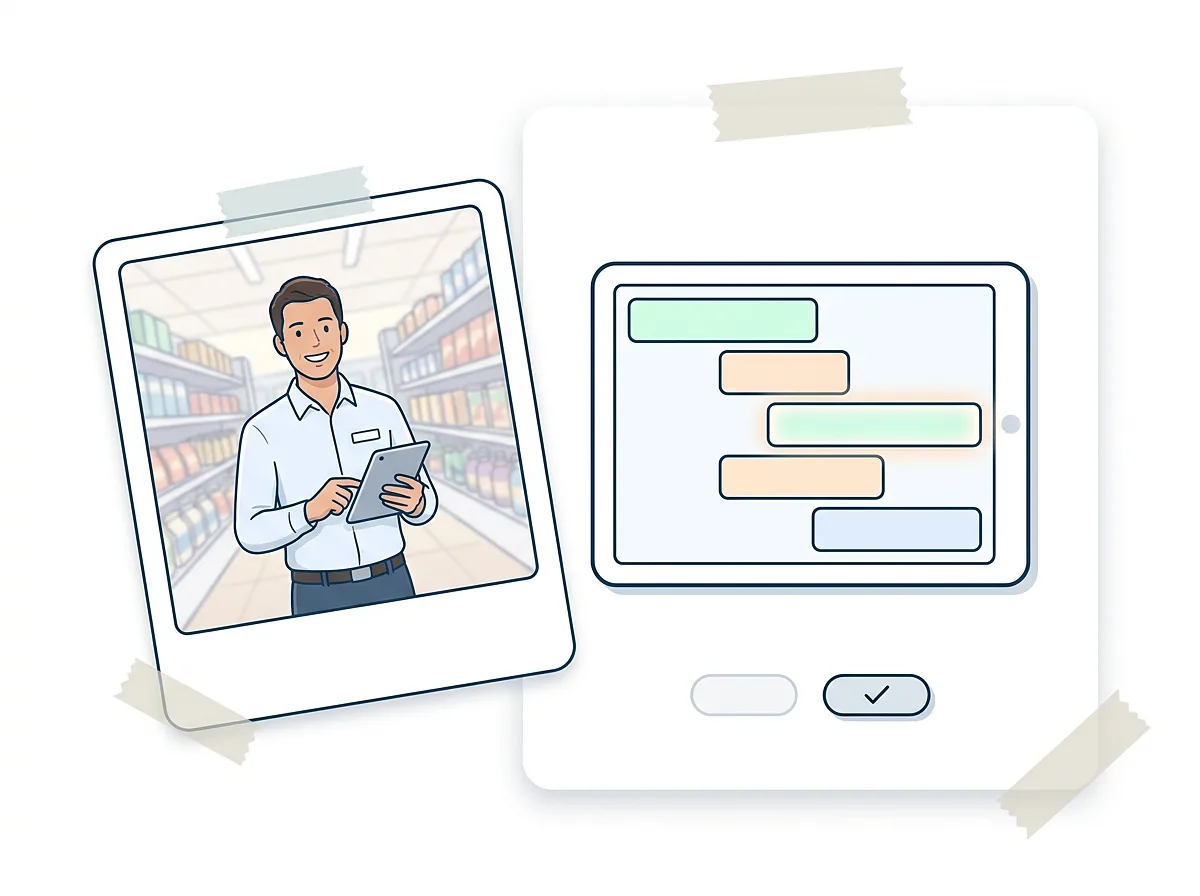
The manager gets one ready-made change instead of a chain of messages, and approves or rejects it in one step. The published schedule updates for everyone.
Who it is for
Our whole focus is retail. The rules, the traffic model and even the words in the product are built around a store.
Long opening hours, two traffic peaks a day, deliveries in the morning and a till that must never stand empty.
Two to twenty stores, one or two people doing all the scheduling, usually in a spreadsheet, usually on a Sunday evening.
Drugstores, DIY, fashion and convenience stores with hourly staff, students and part-timers on sliding shifts.
Tools such as Deputy already build schedules from demand. Our angle is narrower: conversation instead of configuration, the change loop after publication, and sliding shifts in stores. Deputy and our angle →
How we plan to reach stores
A go-to-market hypothesis, not a plan in motion. Each step has to prove itself before the next one.
Stores that ran sliding shifts with us, on their real data, free, until the schedule is one they would publish.
Upload your current schedule spreadsheet and get back the uncovered hours, the broken rest rules and a draft that fixes them.
Sliding-shift templates, rest-rule checklists and peak-hour staffing guides that store managers actually search for.
Retail associations, franchise networks and trade events, where one conversation reaches many stores at once.
Point-of-sale and footfall-counter vendors and retail consultants: they already have the traffic data and the trust.
A manager who saves an evening a week tells the area manager. Expansion inside a chain is the cheapest sale.
The next step is a small prototype on one real store’s data. If you run a store with sliding shifts, the open questions are where to start.
See the open questions

